
A simpler way to manage your screens when turned on and off.
Power Schedules in Engage CMS lets your screens power on and off automatically based on your business opening hours.
This helps reduce unnecessary energy use and make day-to-day screen management easier.
How power scheduling works
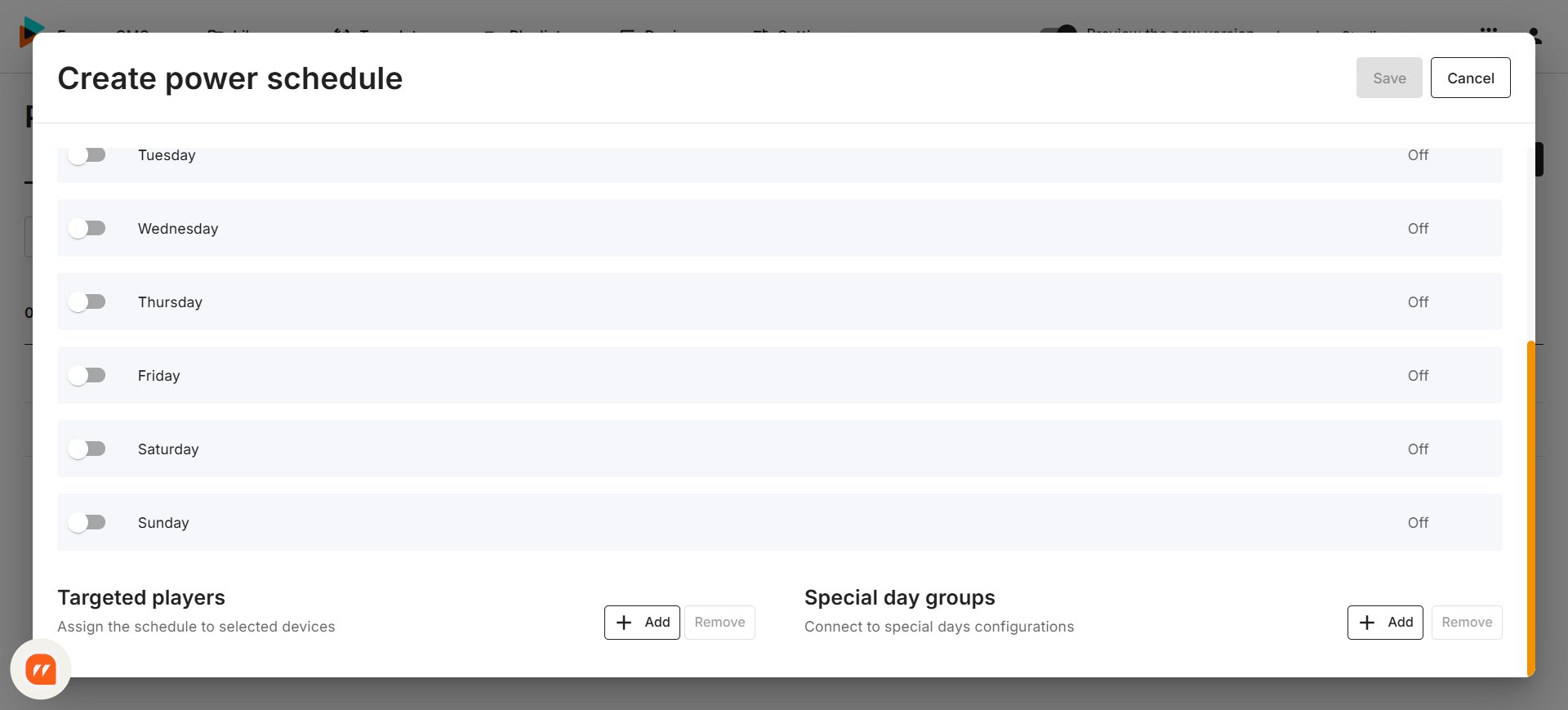
There are two types of power schedules:
- Primary Power Schedule: Your regular recurring schedule for normal business hours.
- Special Power Schedule: This temporary overrides the primary power schedule to handle planned exceptions without changing your regular setup.
When the usual schedule doesn’t apply
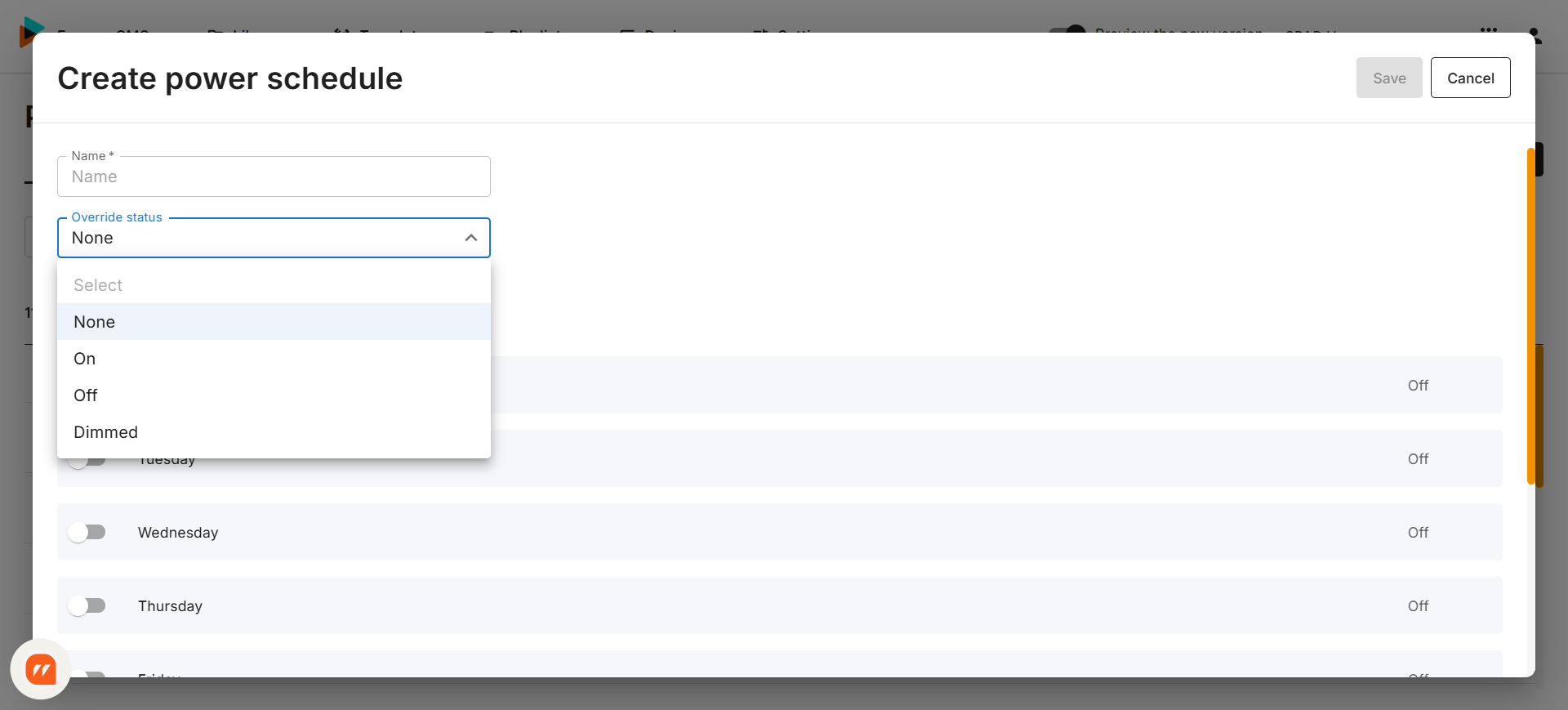
The new Override option lets you temporarily turned targeted screens on, off or dim, while keeping the core power schedule unchanged.
This is useful when you need certain screens to behave differently from planned schedules. For example, when screens in specific zones need to be dimmed or switching off a group of screens during maintenance.
Good to know:
Because Override is a manual function. Screens will stay in the selected state until you change the override function again and return them to the regular setting.
What else is new
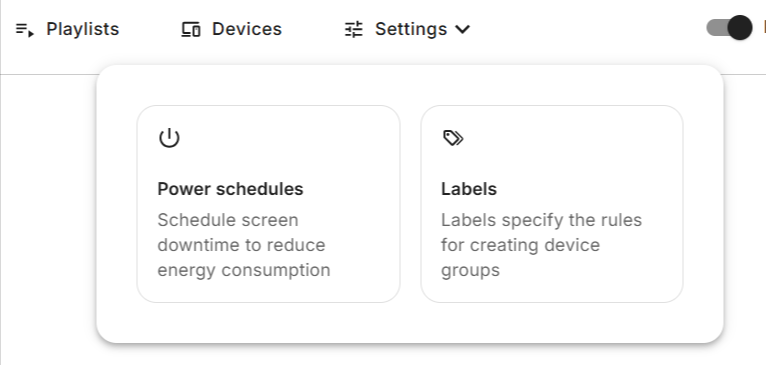
We have also made structural improvements to the Power Scheduling experience.
Power Schedules is now located under Settings, making them easier to find and easier to work with.
Want to learn more?