
How to use Smart Guides and Zedda to get help when you need it
New to Engage Suite? Need help to solve a specific task? Or curious about the latest update?
With Smart Guides and Zedda, you can learn as you work, get answers when you’re stuck and discover more of what Engage Suite can do.
LEARN AND EXPLORE with smart guides
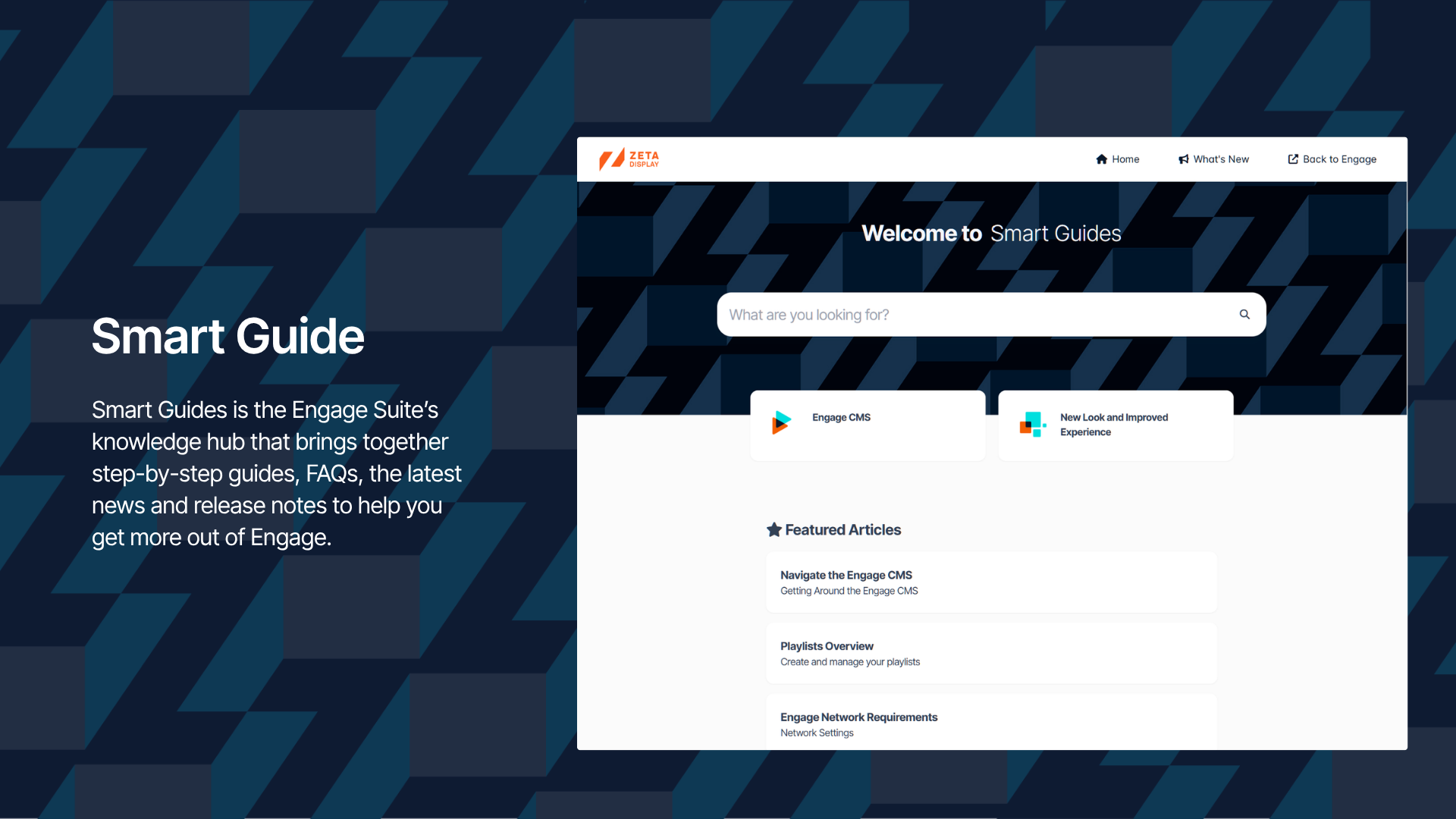
Smart Guides is the Engage Suite knowledge hub that provides you with practical step-by-step guides and videos, FAQs, news and release notes so that you can get more out of Engage.
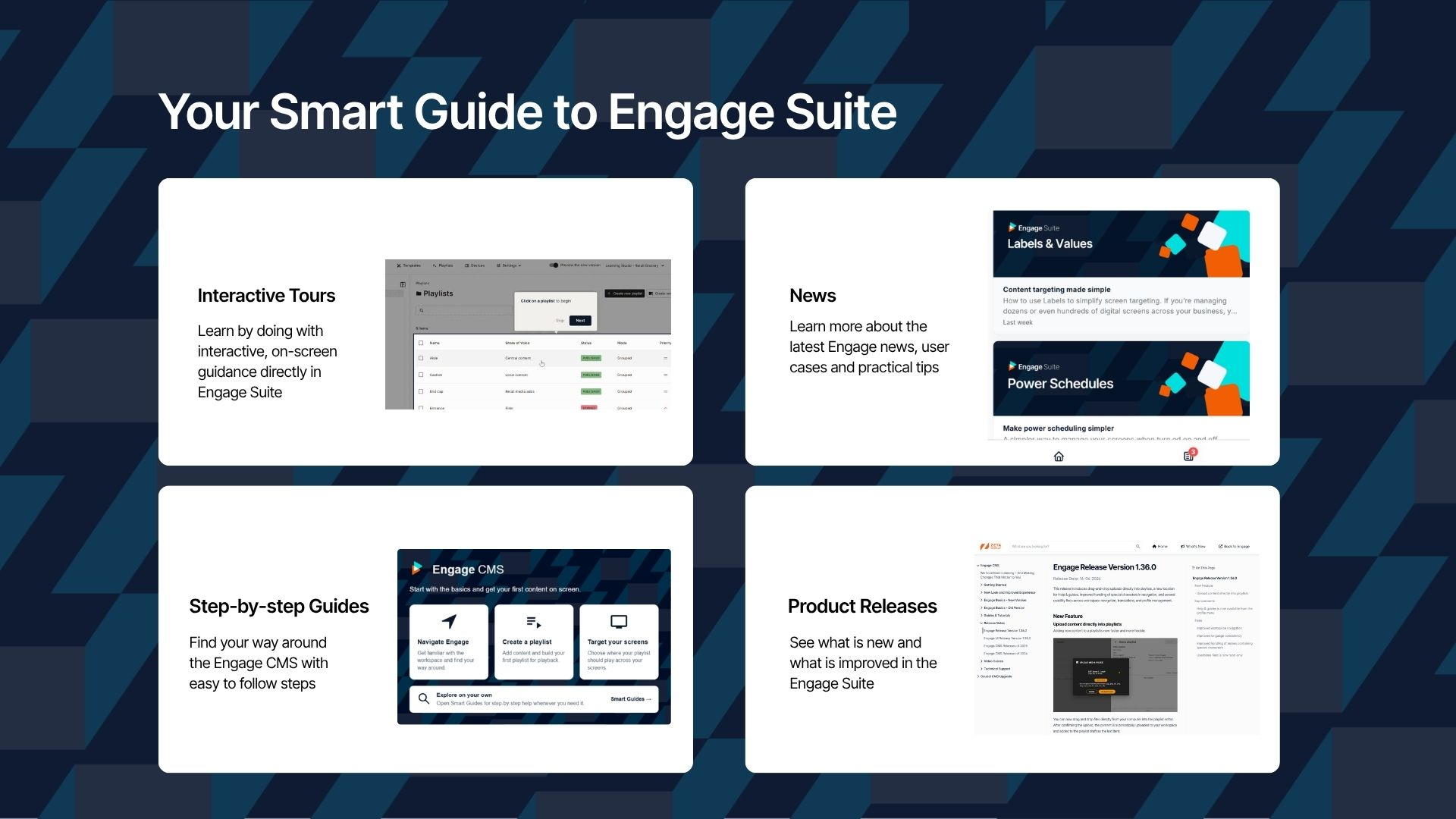
You will find the following in Smart Guides:
- Interactive tours: Learn by doing with interactive, on-screen guidance directly in Engage Suite.
- Step-by-step guides: Explains features and provide instructions step-by-step
- Product Releases: Release notes that informs about the latest updates and improvements in the Engage Suite
- News: Learn more about the latest features, use cases and practical tips.
Where can I find Smart Guides
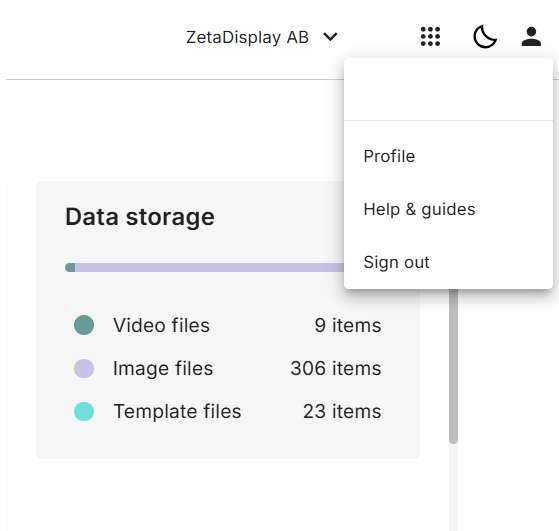
Open your profile menu and select Help & Guides.
Here you can find learning resources and practical guidance to help you use the Engage Suite.
Meet zedda, your online assistant
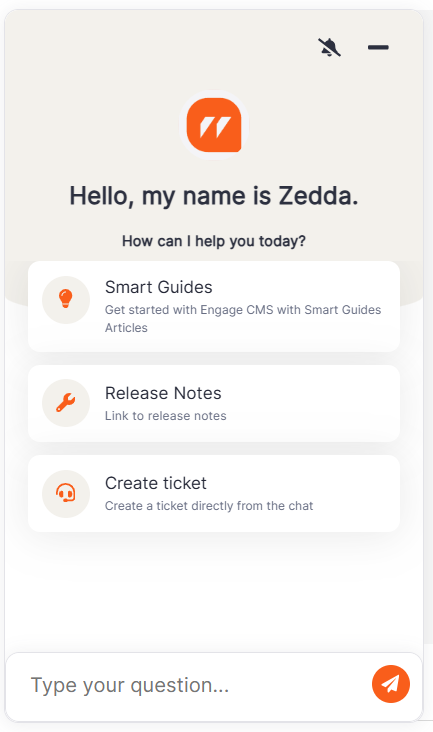
Not sure how a feature works or what to do when something goes wrong? Don’t worry, Zedda has your back 24/7.
Just ask your question. For example, need help to create a playlist? Zedda can find a step-by-step guide or video from Smart Guides to show you how.
Zedda can also help troubleshoot hardware and software issues. Explain what’s happening, including any error messages you see, so it can suggest relevant steps to help resolve the problem. If it can’t resolve the issue, it will direct you to our customer care support team.
To open Zedda, click the chat icon in the bottom left corner of Engage CMS.
Keep exploring. Smart Guides and Zedda are there to help along the way.