
Engage Release Version 1.36.0
This release introduces drag-and-drop uploads directly into playlists, a new location for Help & guides, improved handling of special characters in navigation, and several usability fixes across workspace navigation, translations, and profile management.
New Feature
Upload content directly into playlists
Adding new content to a playlist is now faster and more flexible.
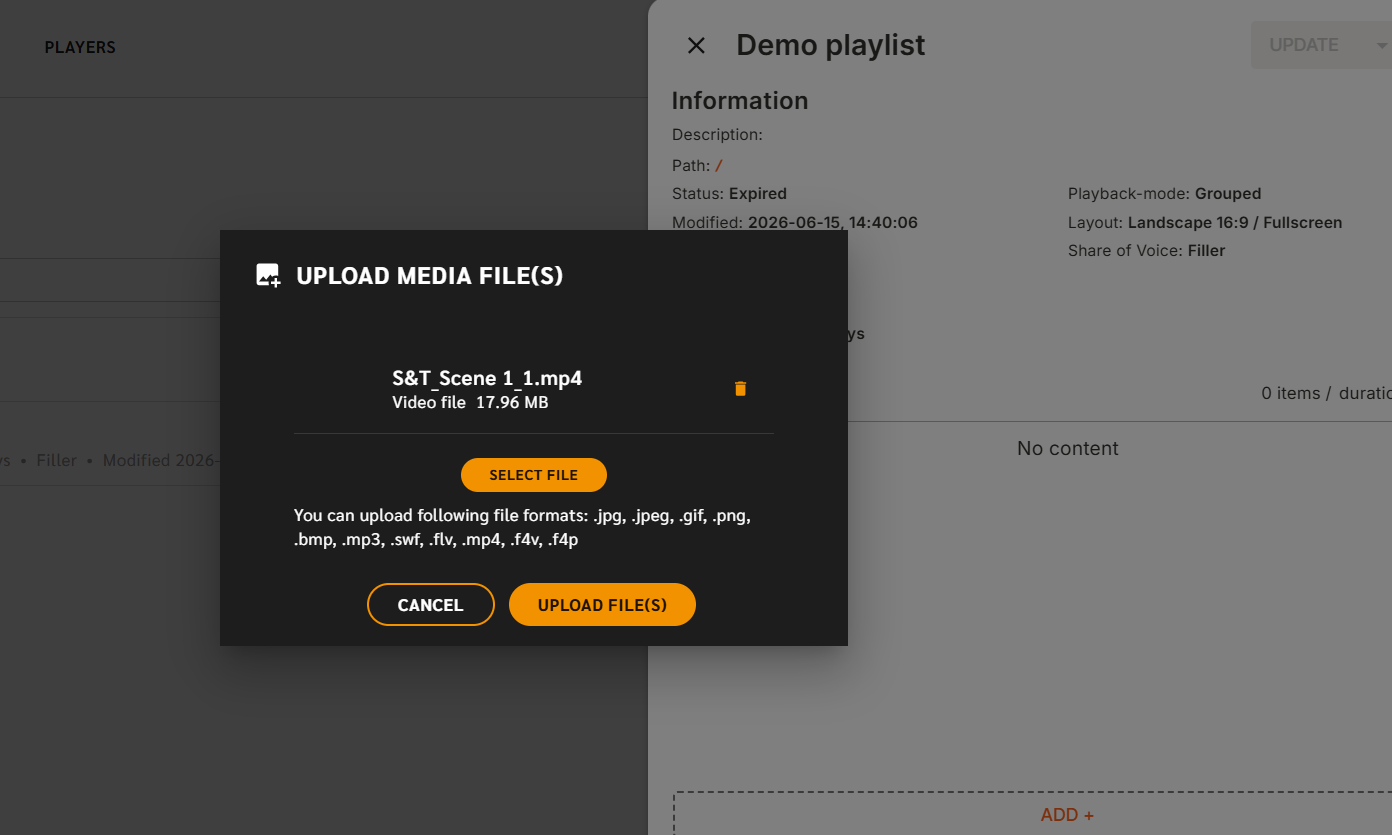
You can now drag and drop files directly from your computer into the playlist editor. After confirming the upload, the content is automatically uploaded to your workspace and added to the playlist draft as the last item.
Why it matters
This removes the extra step of uploading content through the Library before adding it to a playlist and from extra clicks in the sidekick, helping you create and update playlists more efficiently.
Improvements
Help & guides is now available from the profile menu
We've updated how Help & guides is accessed within Engage CMS.
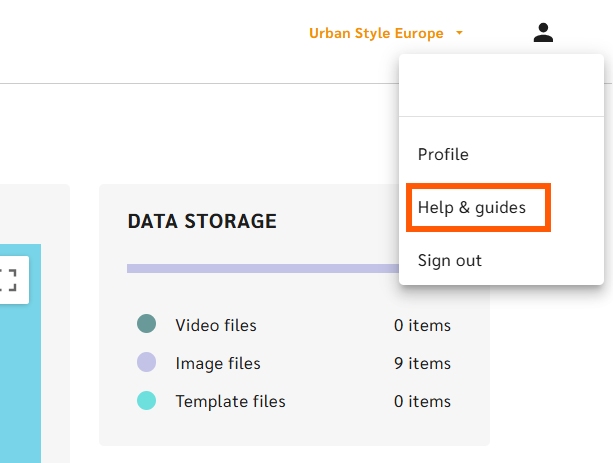
Instead of using a floating launcher icon, Help & guides can now be accessed directly from the profile menu in the top-right corner of the CMS.
Why it matters
This provides a cleaner interface while keeping help resources easy to access. You can still use Zedda for questions and assistance, while Help & guides gives you quick access to tutorials, walkthroughs, and learning materials.
Fixes
Improved workspace navigation
Fixed an issue where switching workspaces from the Library could occasionally result in unexpected navigation behavior after refreshing the page.
Improved language consistency
Resolved several translation inconsistencies across the CMS to ensure labels and information are displayed correctly in supported languages.
Improved handling of names containing special characters
Names containing dash characters (-) now display correctly throughout the CMS, including page headers and navigation breadcrumbs.
Why it matters
This improves consistency and makes it easier to identify content, folders, and devices using naming conventions that include special characters.
Username field is now read-only
The username field in Profile Settings can no longer be edited.
Why it matters
Usernames are managed through your organization's identity provider and cannot be changed directly within Engage CMS. Making the field read-only removes confusion and ensures account information is presented consistently.